
Last updated: 10 November 2026
You can replace cable with a mix of three things: a TV antenna for free local channels, free and paid streaming services, and, if you want live channels and sports, a live TV streaming service. Most households end up paying less than cable by combining two or three of these instead of buying one big package. This guide covers the main options in the US, with a separate section for sports fans.
Not sure how internet TV differs from cable? See our explainer on what IPTV is and how it works.
The main types of cable TV alternatives
| Option | What you get | Best for | Cost |
|---|---|---|---|
| TV antenna | Local broadcast channels such as ABC, CBS, FOX, NBC and PBS, where the signal reaches you | News, network shows and local sports broadcasts | One-off purchase, no monthly fee |
| Free streaming services | Hundreds of ad-supported channels and on-demand titles from services such as Pluto TV, Tubi, The Roku Channel and Samsung TV Plus | Background viewing, older shows and films | Free, with adverts |
| On-demand subscriptions | Series and films from services such as Netflix, Disney+, Prime Video, Paramount+ and Peacock | Shows and films you choose to watch | Monthly, with cheaper plans that include adverts |
| Live TV streaming services | Cable-style channel packages, including sports and news networks, from services such as YouTube TV, Hulu + Live TV, Fubo, Sling TV and DIRECTV’s streaming plans | People who want live channels without a cable contract | Monthly, usually the most expensive option here |
| Single-network and league services | One broadcaster or one league, for example ESPN’s streaming service, FOX One or a league pass | Fans who follow one sport or network | Monthly or per season |
Channel lineups and prices change often and vary by area, so check each service’s own website before you subscribe.
Cable TV alternatives for sports fans
Sports are usually the hardest part of cutting the cord, because rights are split between broadcasters, cable networks and streaming services. Start by listing the leagues and teams you follow, then check where each one is shown.
- Local network games: games on ABC, CBS, FOX and NBC can be watched free with an antenna if you get a good signal.
- ESPN networks: since 21 August 2025, ESPN has sold its channels directly through its own streaming service, so you no longer need a cable or live TV package for them (Disney announcement).
- FOX sports: FOX One, launched the same day, streams the FOX family of networks.
- UFC: from 2026, every UFC numbered event and Fight Night streams on Paramount+ in the US, with select events on CBS (Paramount+).
- League passes: services such as NBA League Pass and MLB.TV show out-of-market games, but local games are often blacked out. Read the blackout rules before you pay.
- Live TV streaming services carry most of the main sports networks in one package, which can be simpler if you follow several sports.
If you follow just one or two sports, a single-network or league service plus an antenna usually costs less than a full live TV package. If you follow several, compare the live TV services’ channel lists against your list of leagues.
How to build a cheaper setup, step by step
- List what you actually watch over a typical week, including sports seasons.
- Check antenna reception at your address. The FCC’s DTV reception maps show which broadcast channels you can expect to receive.
- Add free streaming services for general viewing.
- Add one paid service at a time, starting with the one that covers most of your list.
- Rotate subscriptions. Many services can be cancelled monthly, so subscribe for the months you need, for example during a sports season, and pause the rest.
What you need
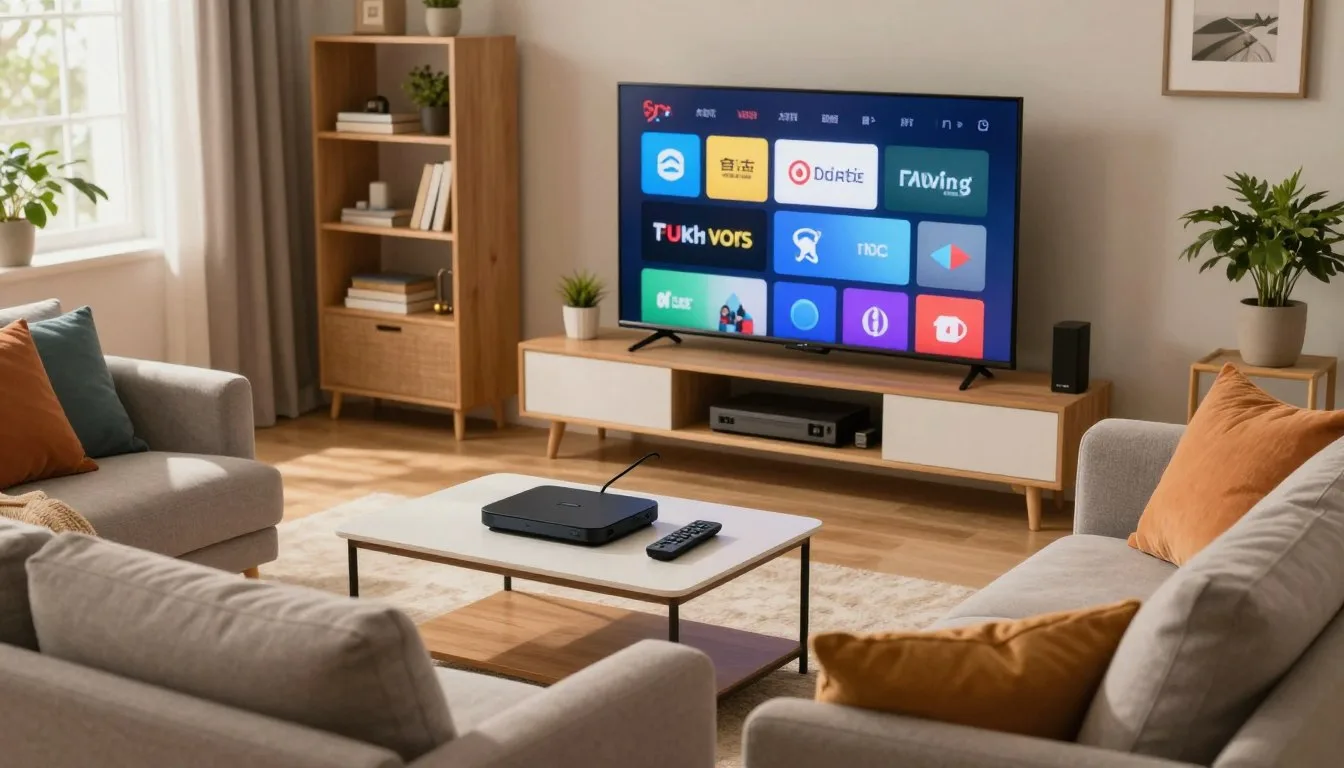
- A smart TV or streaming device, such as a Fire TV Stick, Roku, Google TV or Apple TV device. Our guide to Android TV boxes covers that type of device.
- Broadband fast enough for streaming. As a guide, Netflix recommends at least 5 Mbps for 1080p and 15 Mbps for 4K per stream. If streams keep pausing, see our buffering guide.
- An antenna if you want free local channels. Indoor antennas suit strong signal areas; outdoor or attic antennas reach further.
Pitfalls to avoid when cutting the cord
- Stacking too many subscriptions. Five or six paid services can cost as much as cable. Review them every few months.
- Forgetting regional sports. Local teams’ games may only be available through specific services in your area, or blacked out on league passes.
- Introductory prices. Many plans rise after a promotional period, so check the regular price.
- Offers that look too good to be true. A service offering thousands of premium channels and every sport for a very low price may not have the rights to show them. Unlicensed services can stop without warning, and UK anti-piracy body FACT warns that they expose users to fraud, malware and scams.
FAQ
What is the cheapest alternative to cable TV?
A TV antenna combined with free streaming services costs nothing per month after you buy the antenna. You can then add a paid service only for what you can’t get for free.
What is the best cable TV alternative for sports fans?
It depends on what you follow. For several sports, a live TV streaming service is the simplest option. For one sport or network, a direct service such as ESPN’s streaming service, FOX One, Paramount+ or a league pass, plus an antenna for local games, is usually cheaper.
Can I get local channels without cable?
Yes. An antenna picks up local broadcast channels for free if you’re in range of the transmitters. Most live TV streaming services also include local channels in many areas.
Do I need internet for a TV antenna?
No. Antennas receive broadcast signals over the air. You only need internet for streaming services.